Portal
The portal is a React 19 + Vite + Tailwind 4 SPA, compiled into the
binary via go:embed. It mounts at /portal/ when portal.enabled is
true; the portal API lives at /api/v1/portal/* and is gated by an
operator session cookie established via OIDC PKCE.
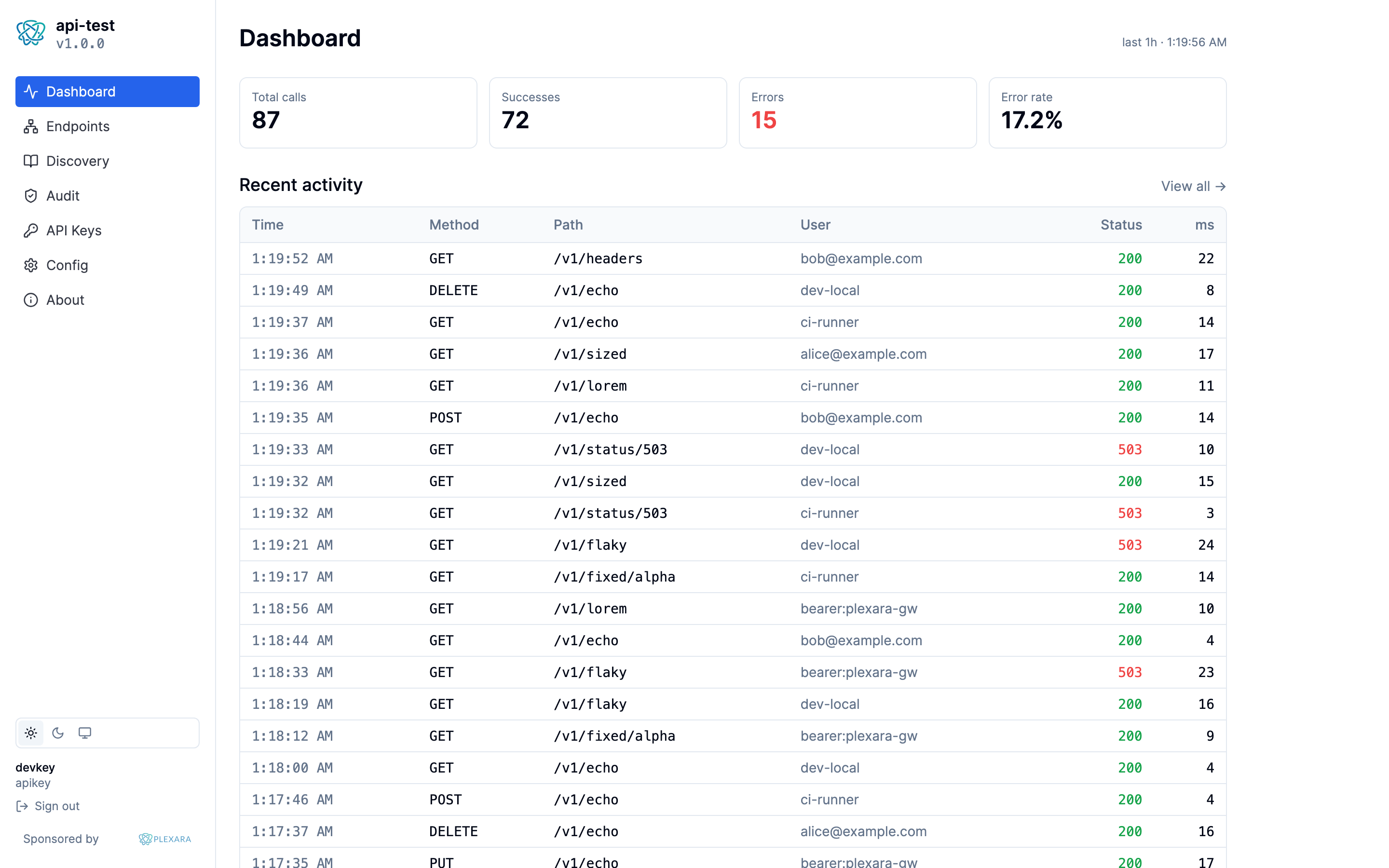
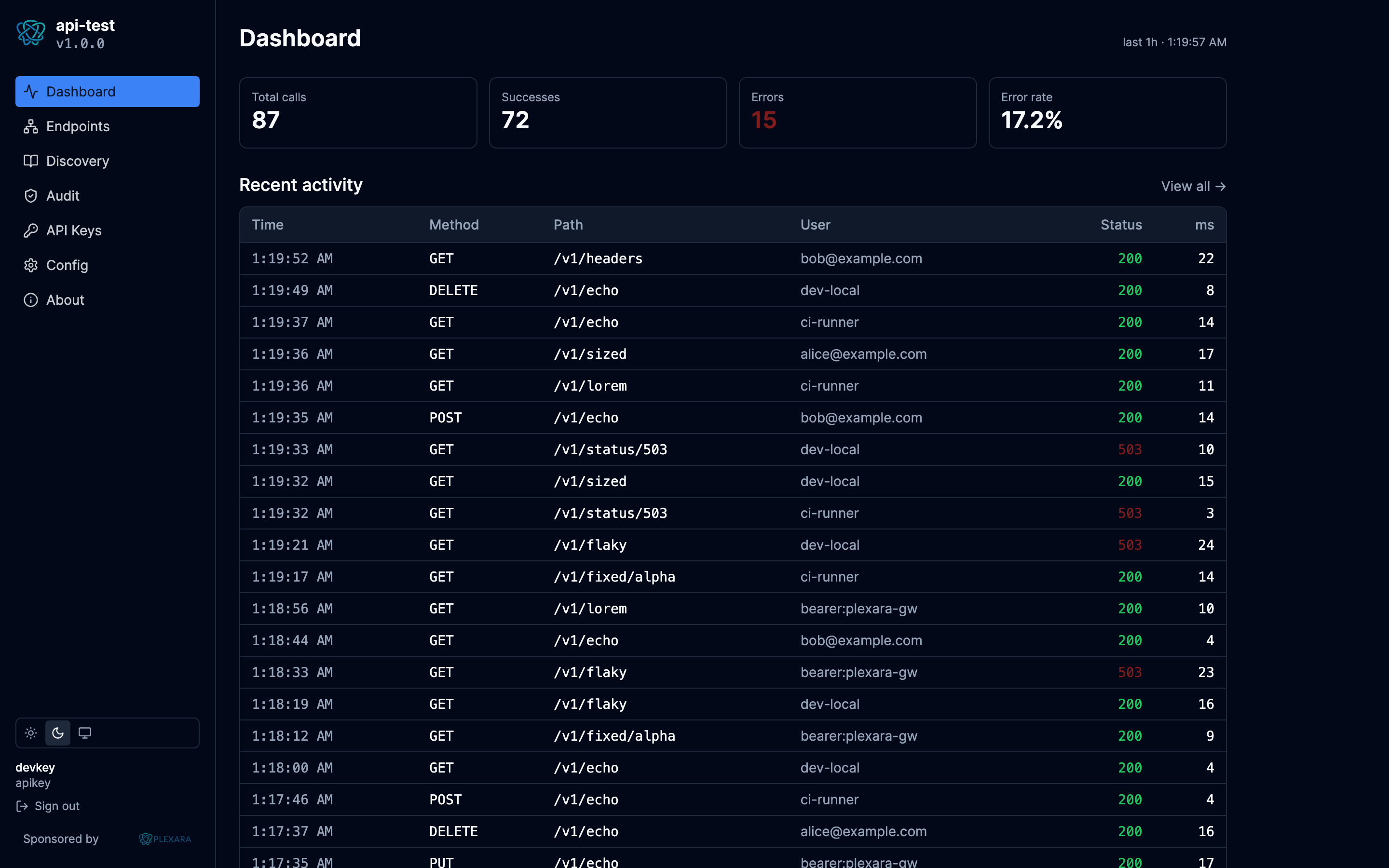
Pages
| Page | Purpose |
|---|---|
| Dashboard | Requests/min, p50/p95 latency, status-code histogram, top routes by error rate. |
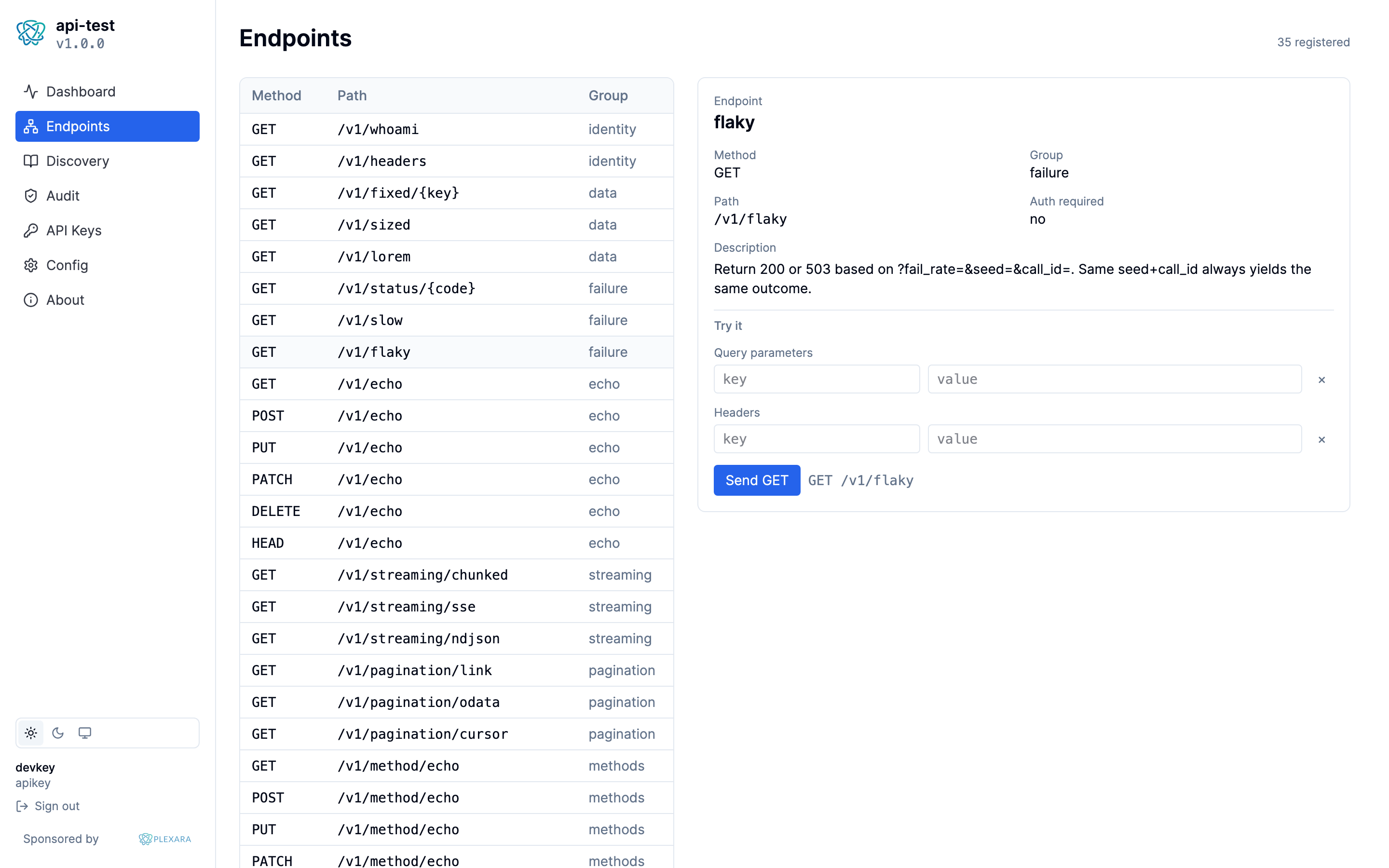
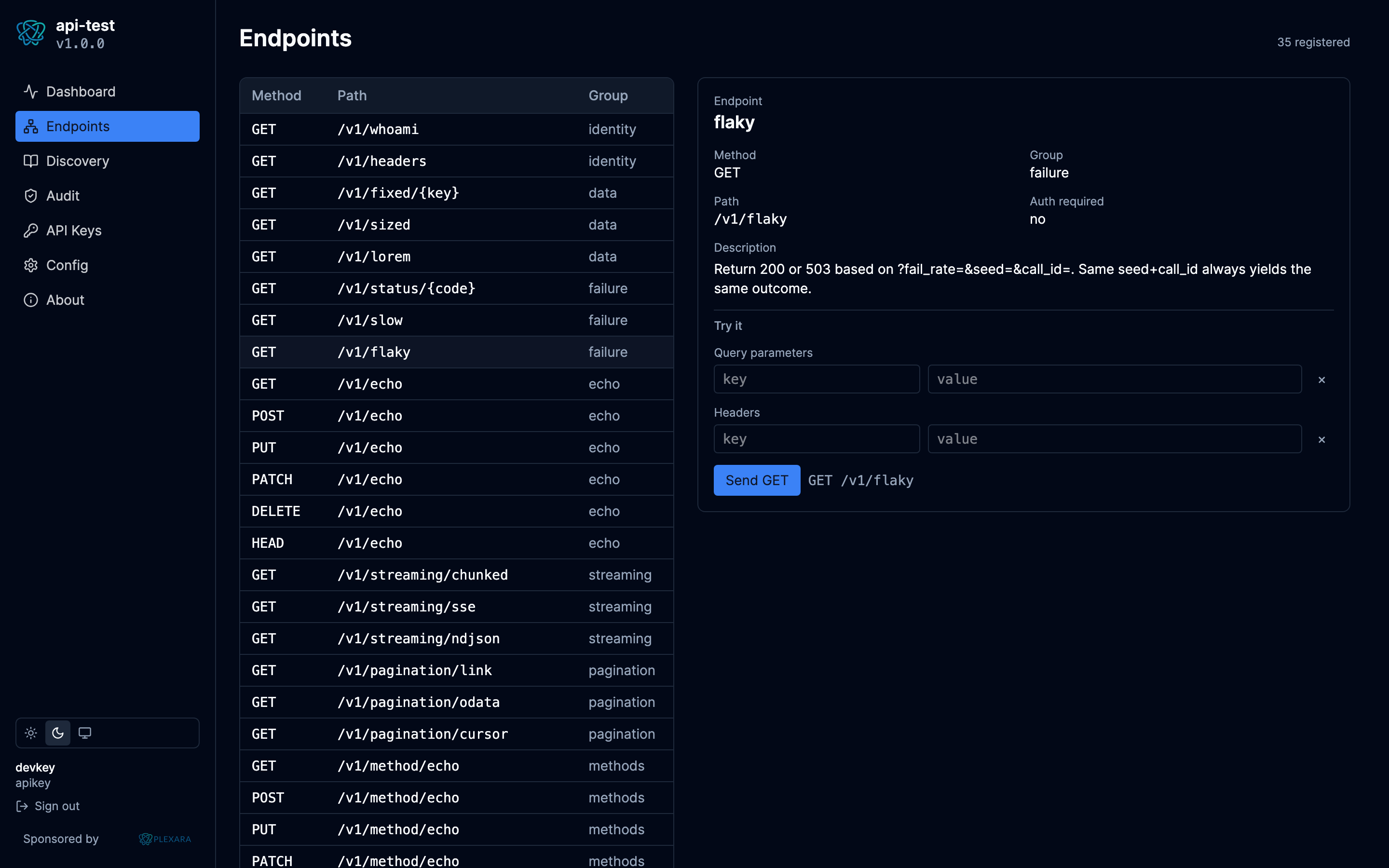
| Endpoints | Catalog of every registered route (method/path/group/auth filter) with a Try-It panel that POSTs through the portal API to the local mux. |
| Audit | Filterable, paginated event view; click a row for the full request/response drawer with redaction overlays. |
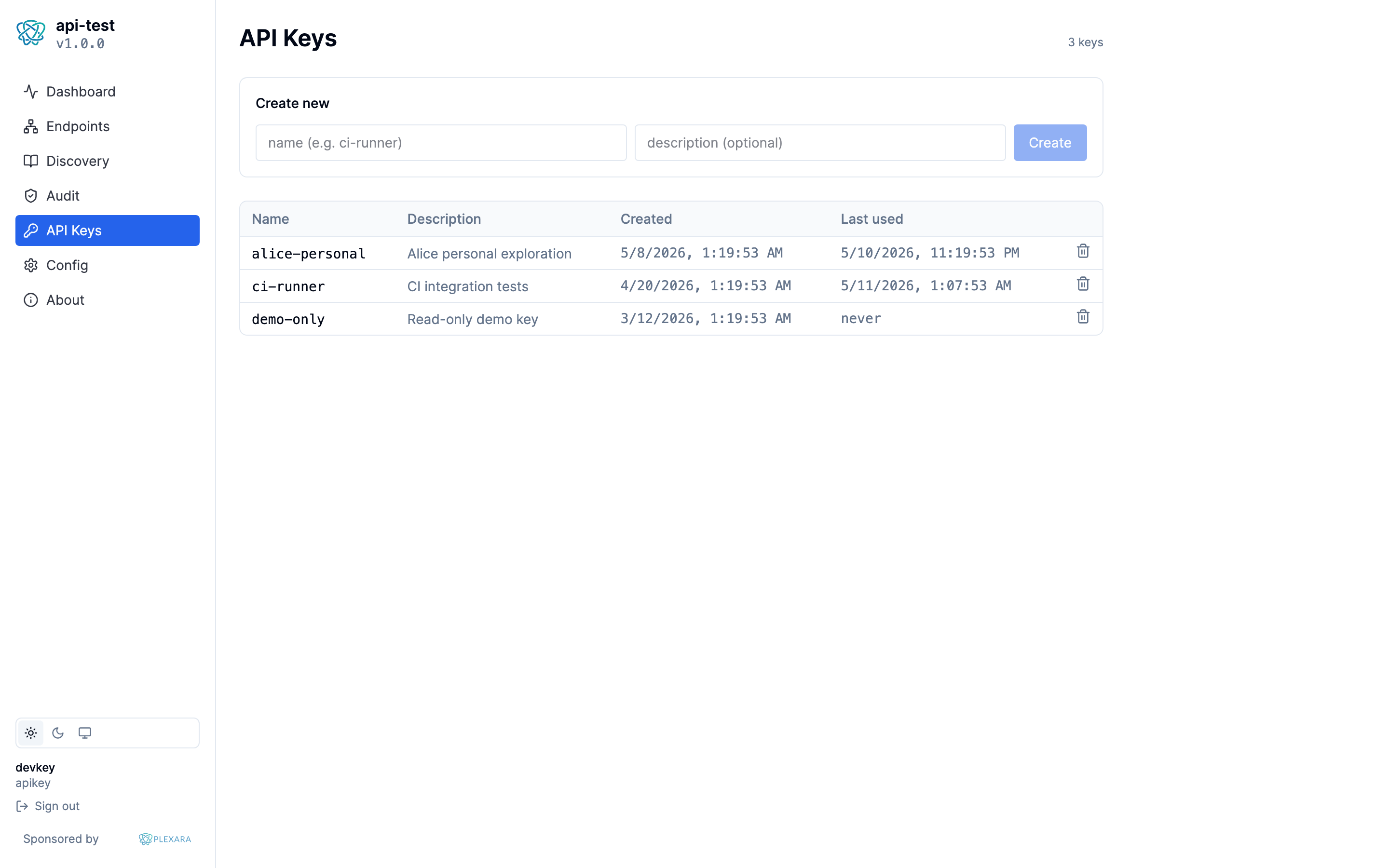
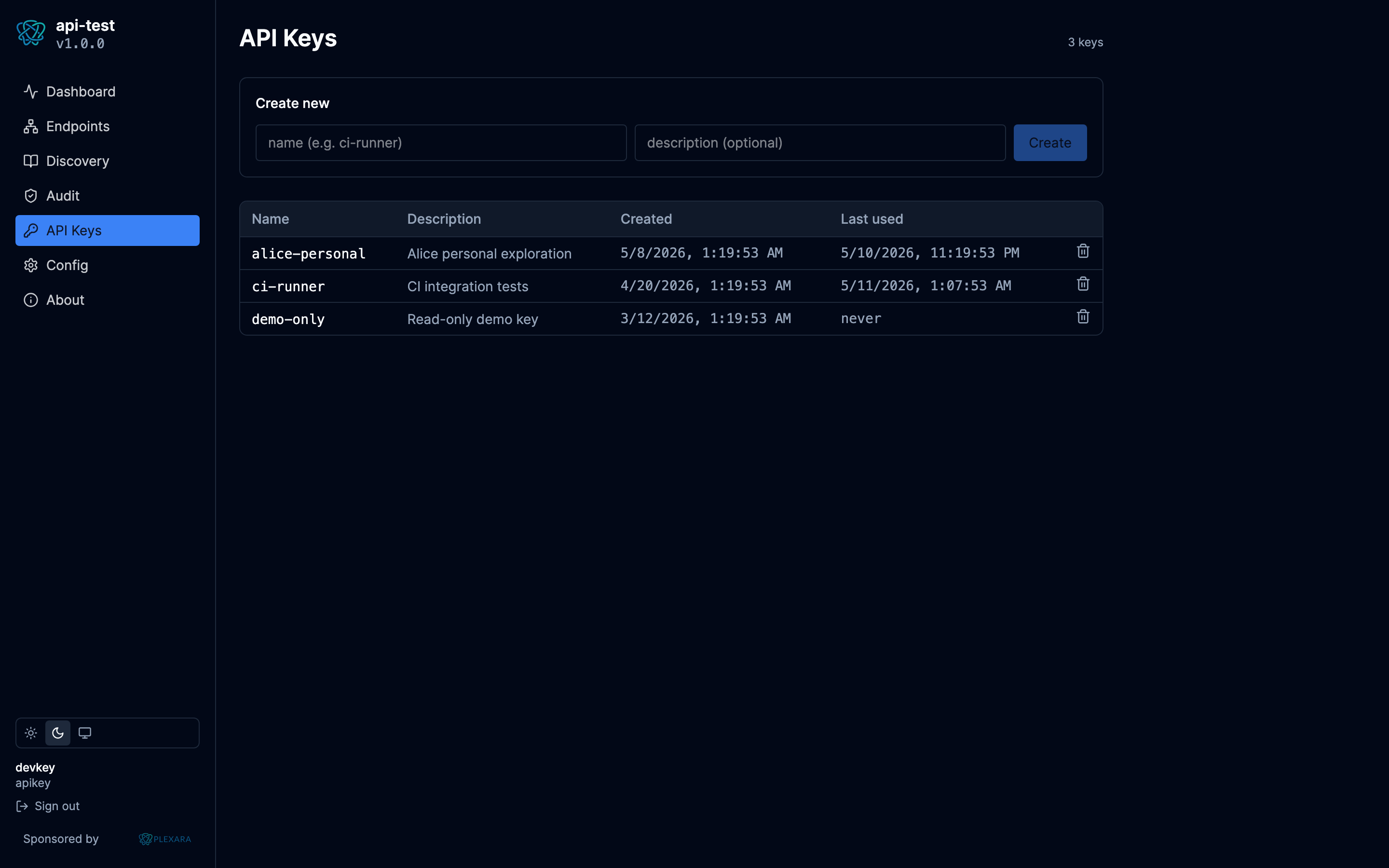
| API Keys | Create / revoke Postgres-backed bcrypt keys. Plaintext shown once. |
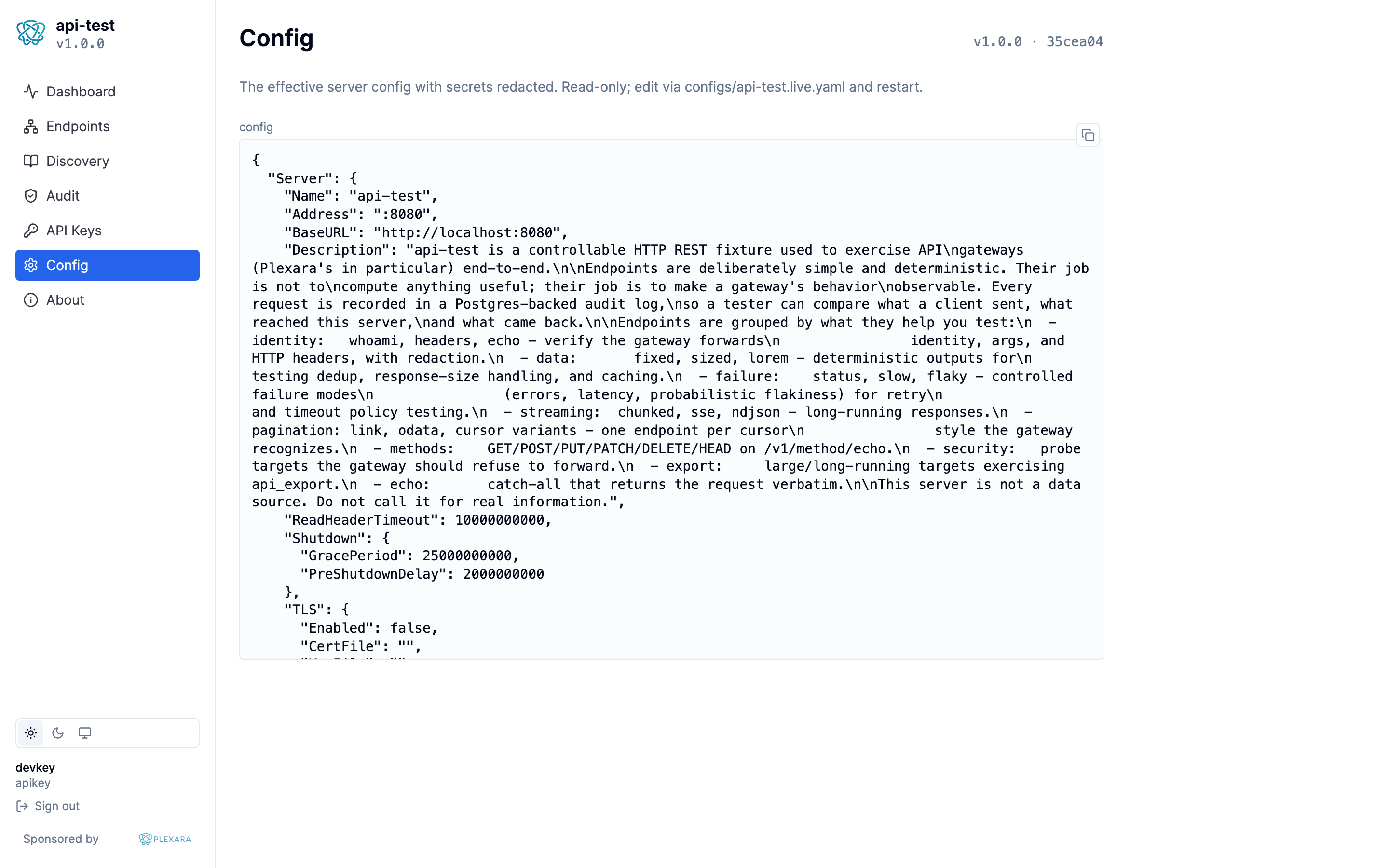
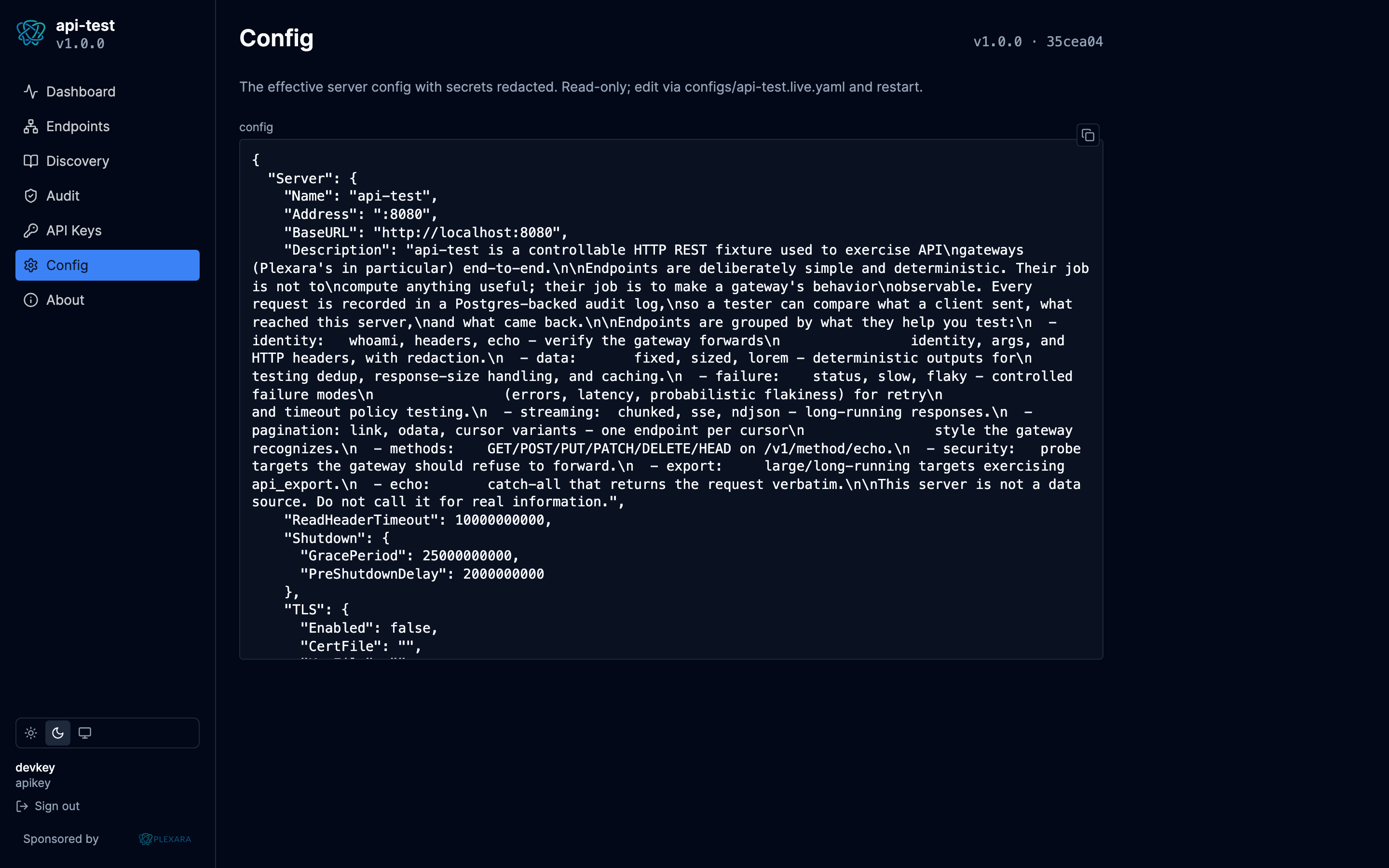
| Config | Read-only YAML of the running server, with secrets masked. |
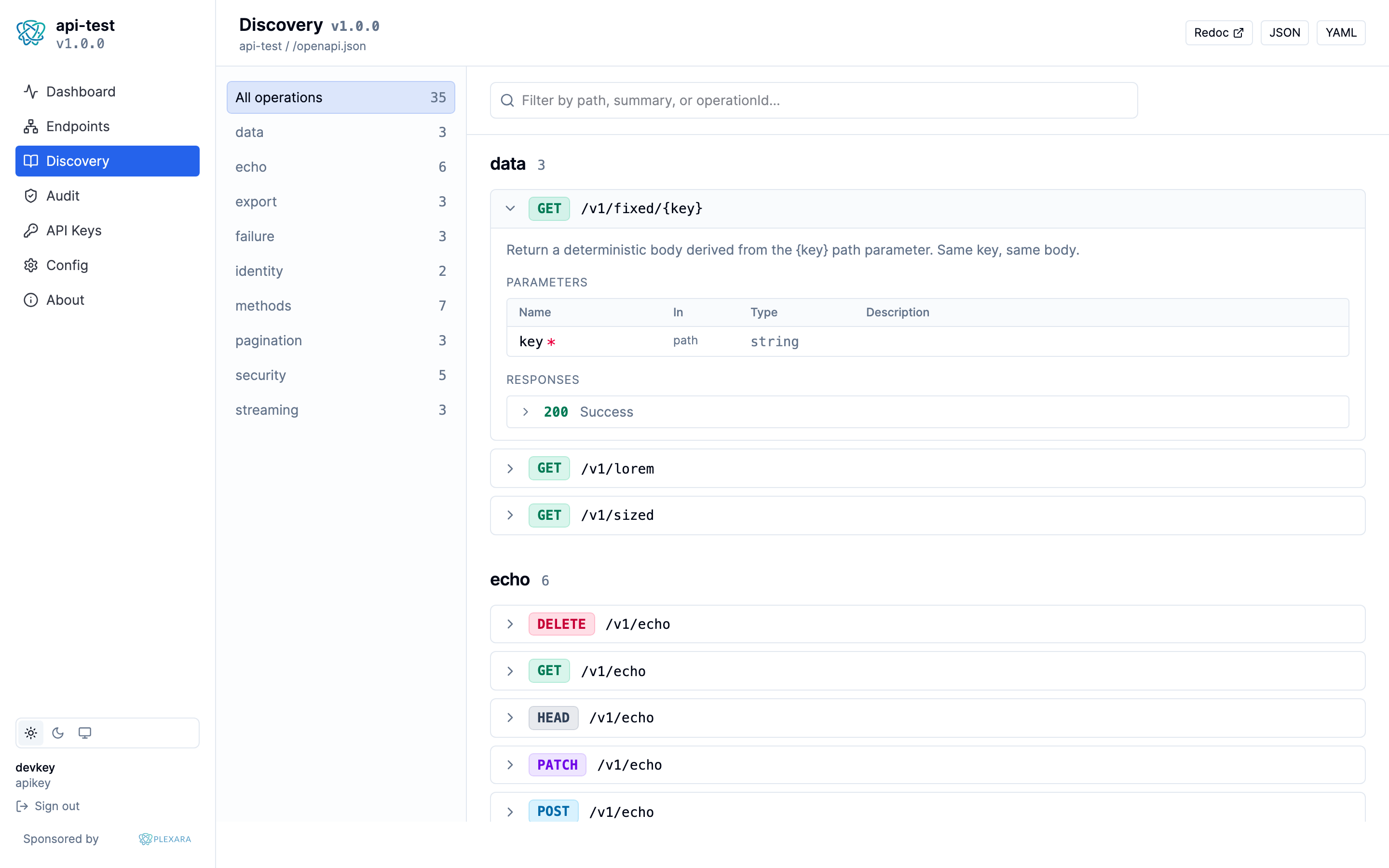
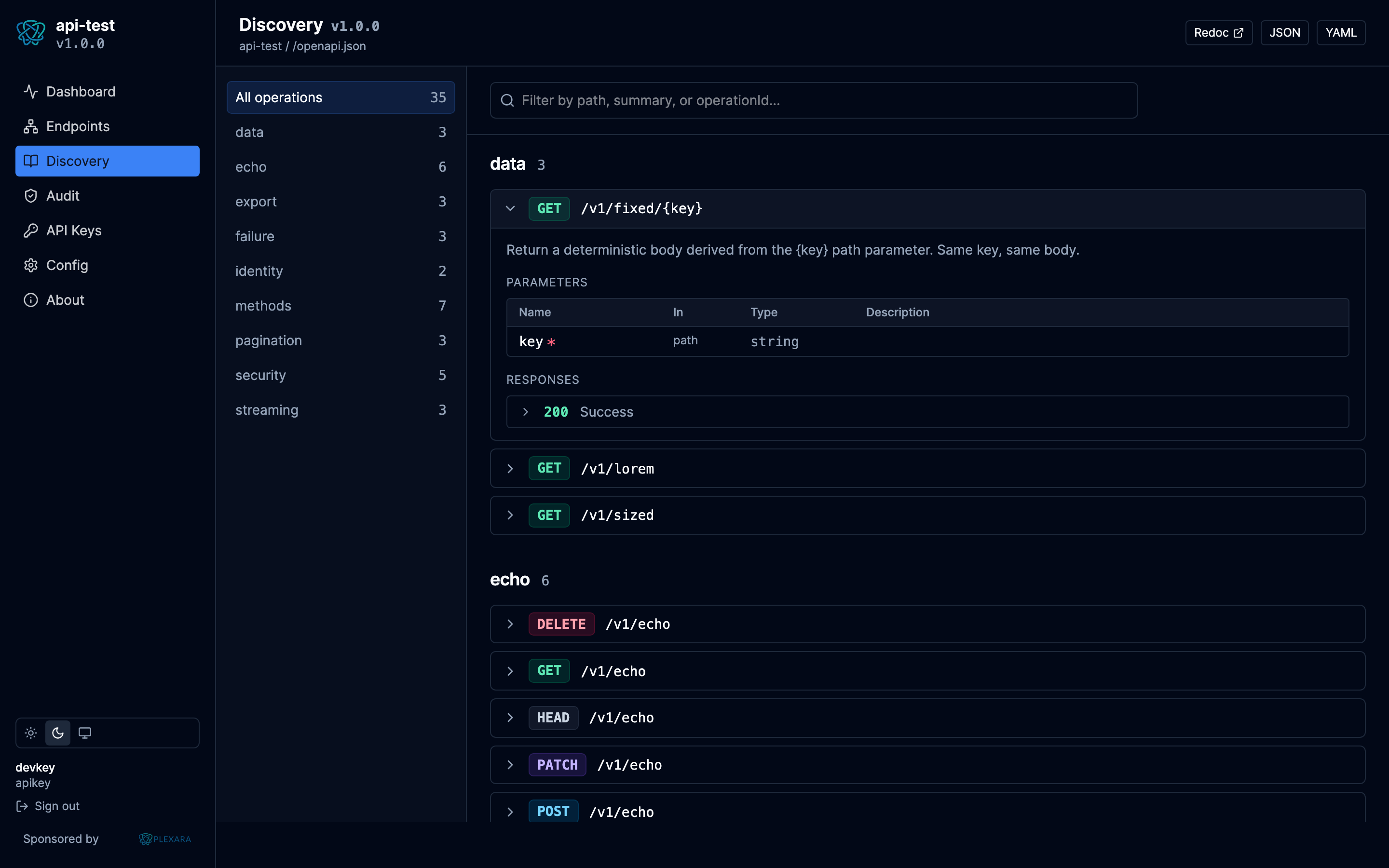
| Discovery | Native OpenAPI 3.1 reference rendered from /openapi.json (groups, operations, parameters, schemas, response samples; full dark/light parity with the portal). Links out to /docs (Redoc) for the canonical view. |
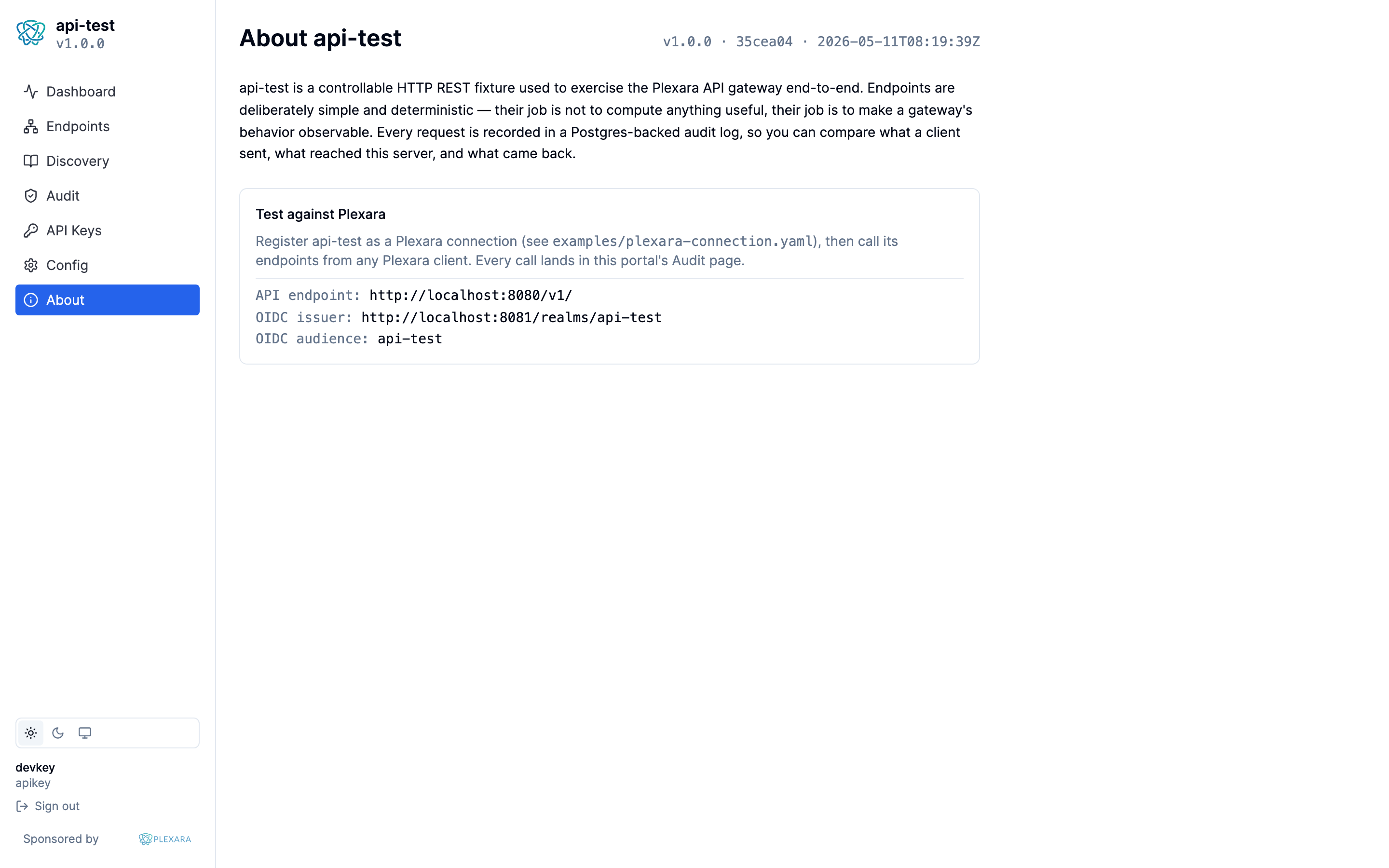
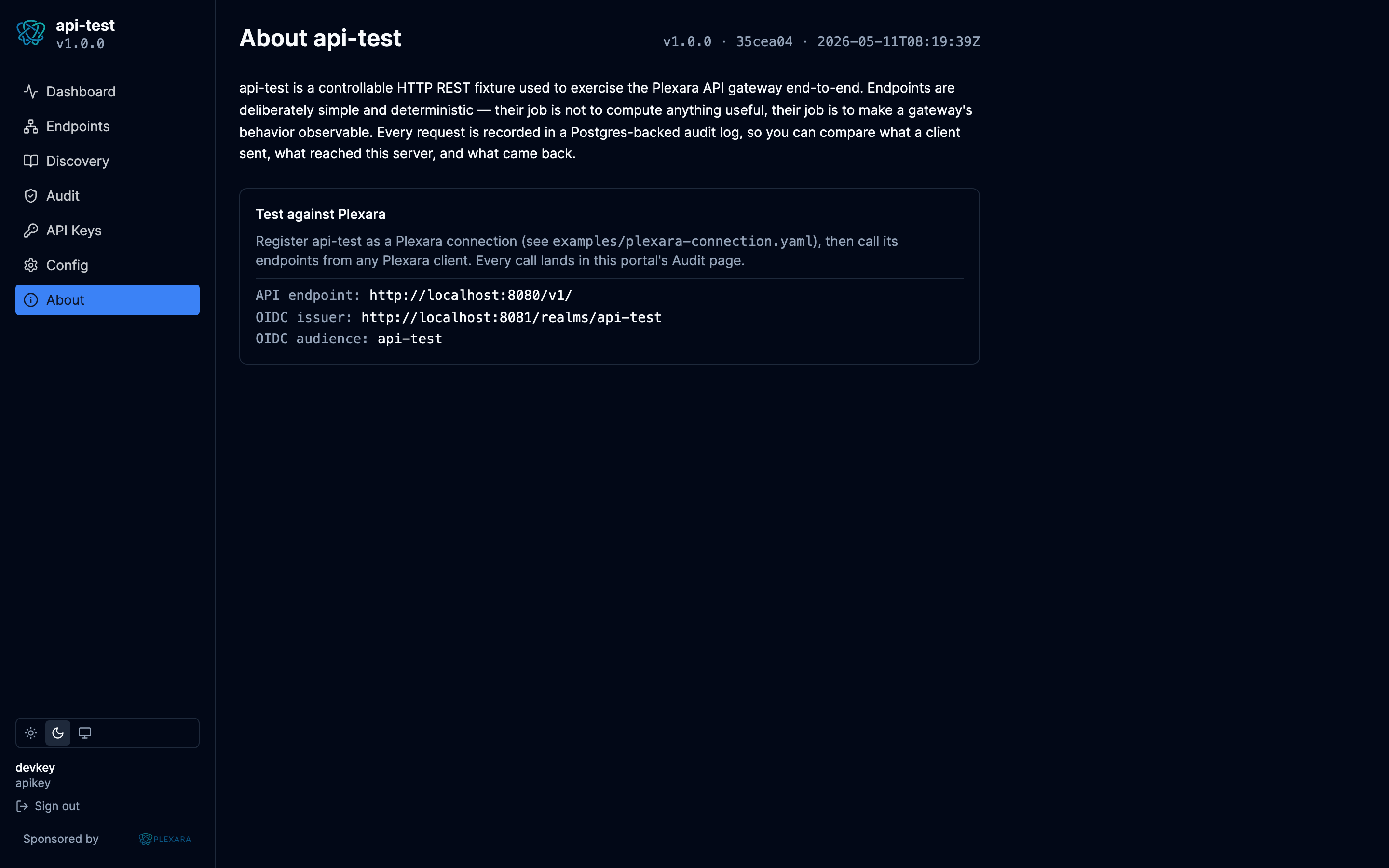
| About | Build info + "test against Plexara" cheat sheet. |
Authentication
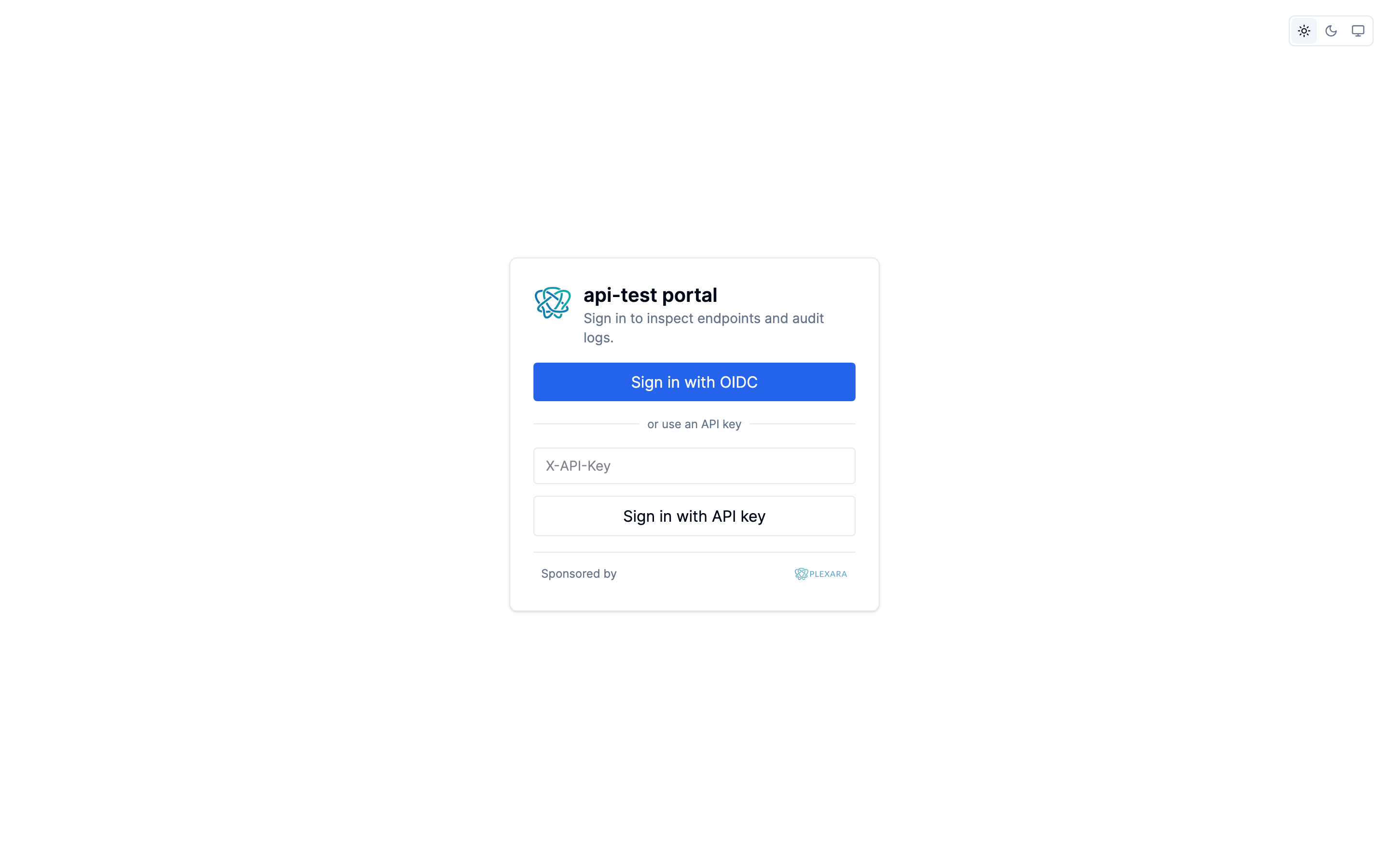
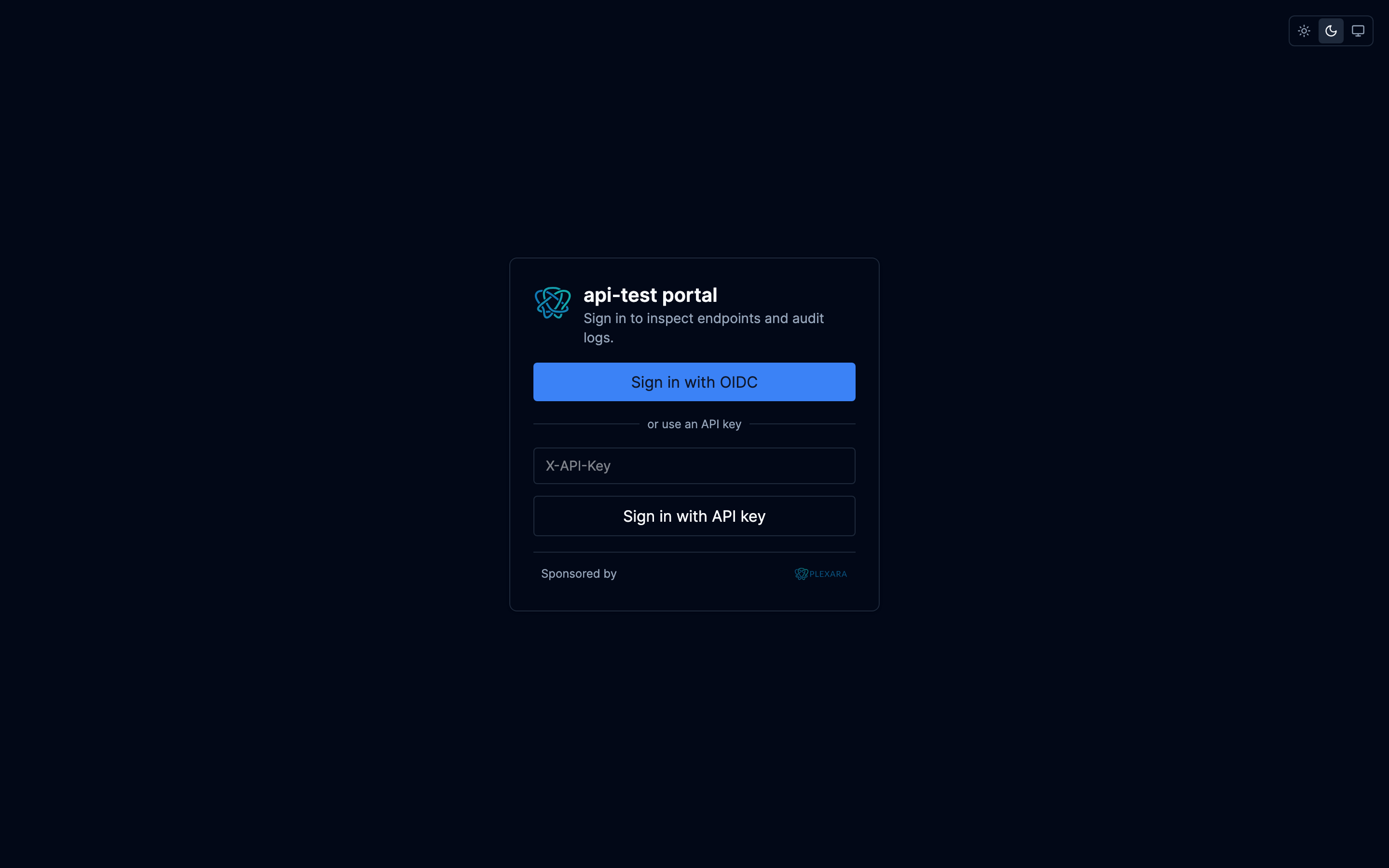
Two paths reach portal data:
- Browser session — operator hits
/portal/, gets redirected to the IdP, completes OIDC PKCE, returns with a session cookie. Subsequent portal API calls use the cookie. - API key — paste an
X-API-Keyvalue into the portal login screen for headless operators (CI dashboards, kiosks). The portal API accepts both schemes.
The portal session is separate from the inbound auth chain that
gates /v1/*. An operator can have a portal session without any of
the gateway's connection credentials.
Endpoints
The Endpoints page is a catalog of every registered route, grouped by behavior (identity, deterministic data, echo, controlled failure modes). Click any row to see method, path, group, auth requirement, description, and a curl hint for invoking the route directly.
Discovery
A native OpenAPI 3.1 reference rendered directly from /openapi.json, with full light / dark parity against the portal's design tokens. Operations are grouped by tag in a left rail; each card expands to show parameters, request body schema, responses, and a minimal example synthesized from the schema. The page-level filter searches path, summary, and operationId across every operation.
The canonical Redoc view at /docs is still served by the binary and
is linked from the page header (top right) for operators who prefer
it.
Audit log
The Audit page is the filterable, paginated event view. Filters cover HTTP method, path-contains, and success / error; the table auto-refreshes on a 5-second interval.
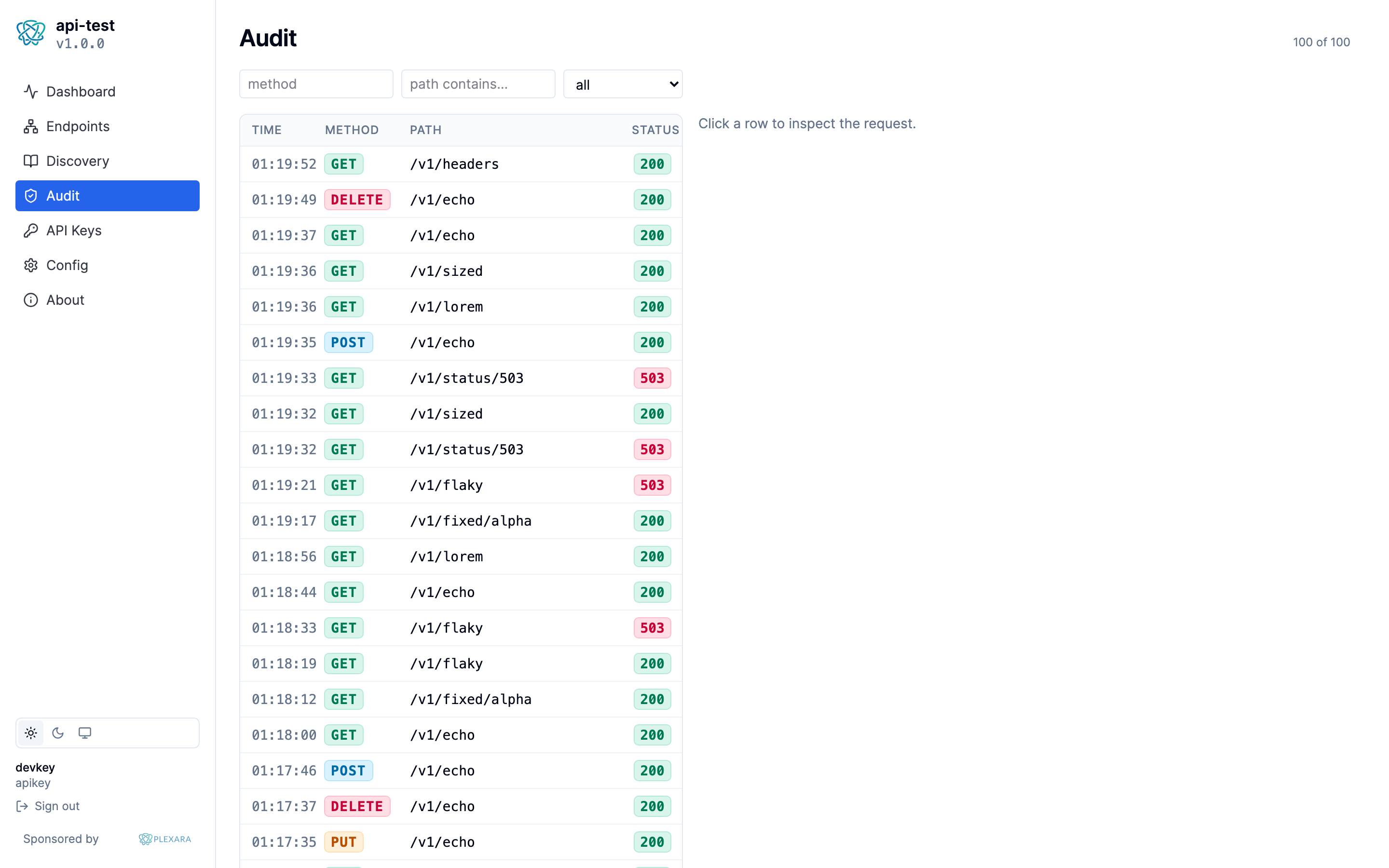
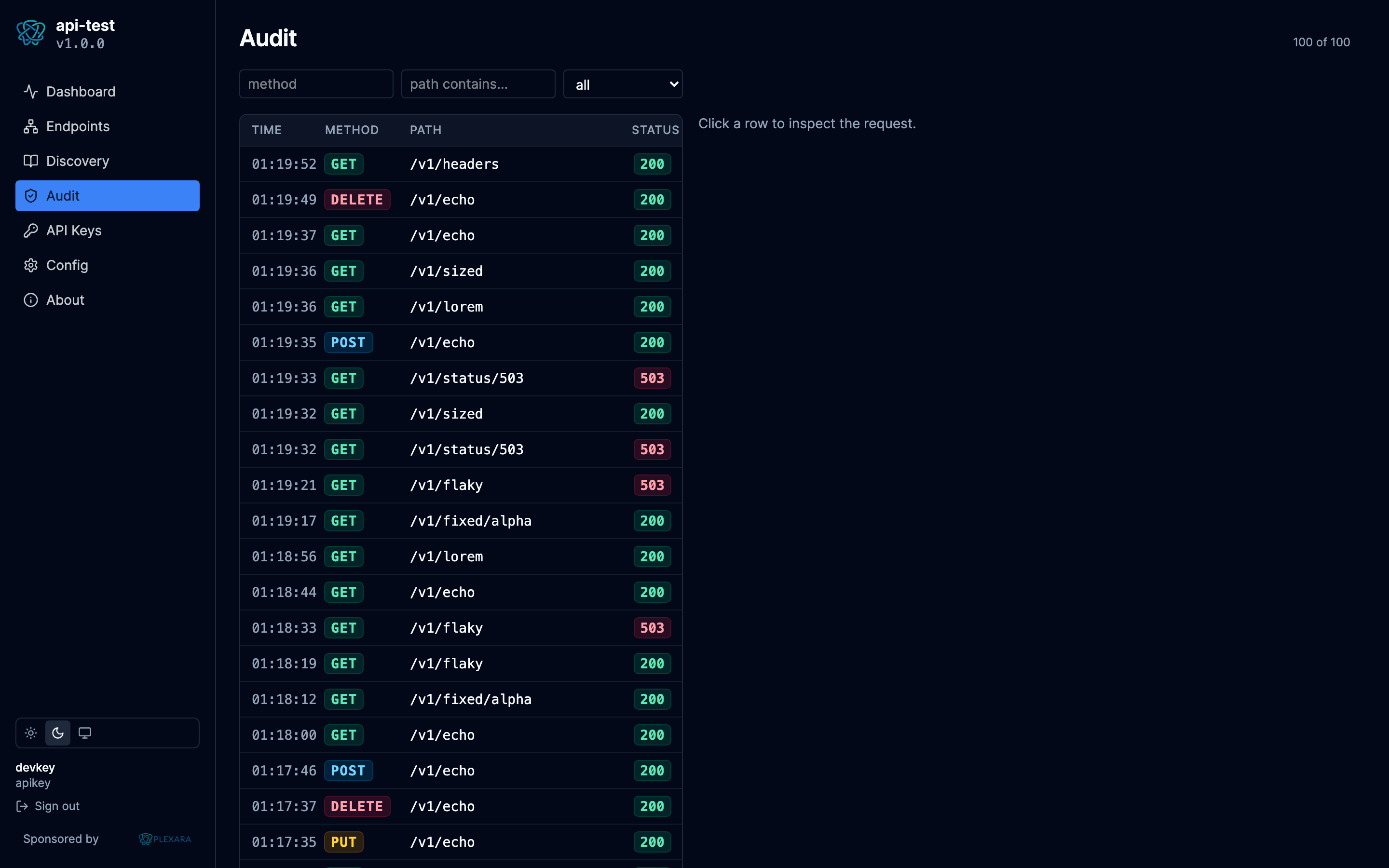
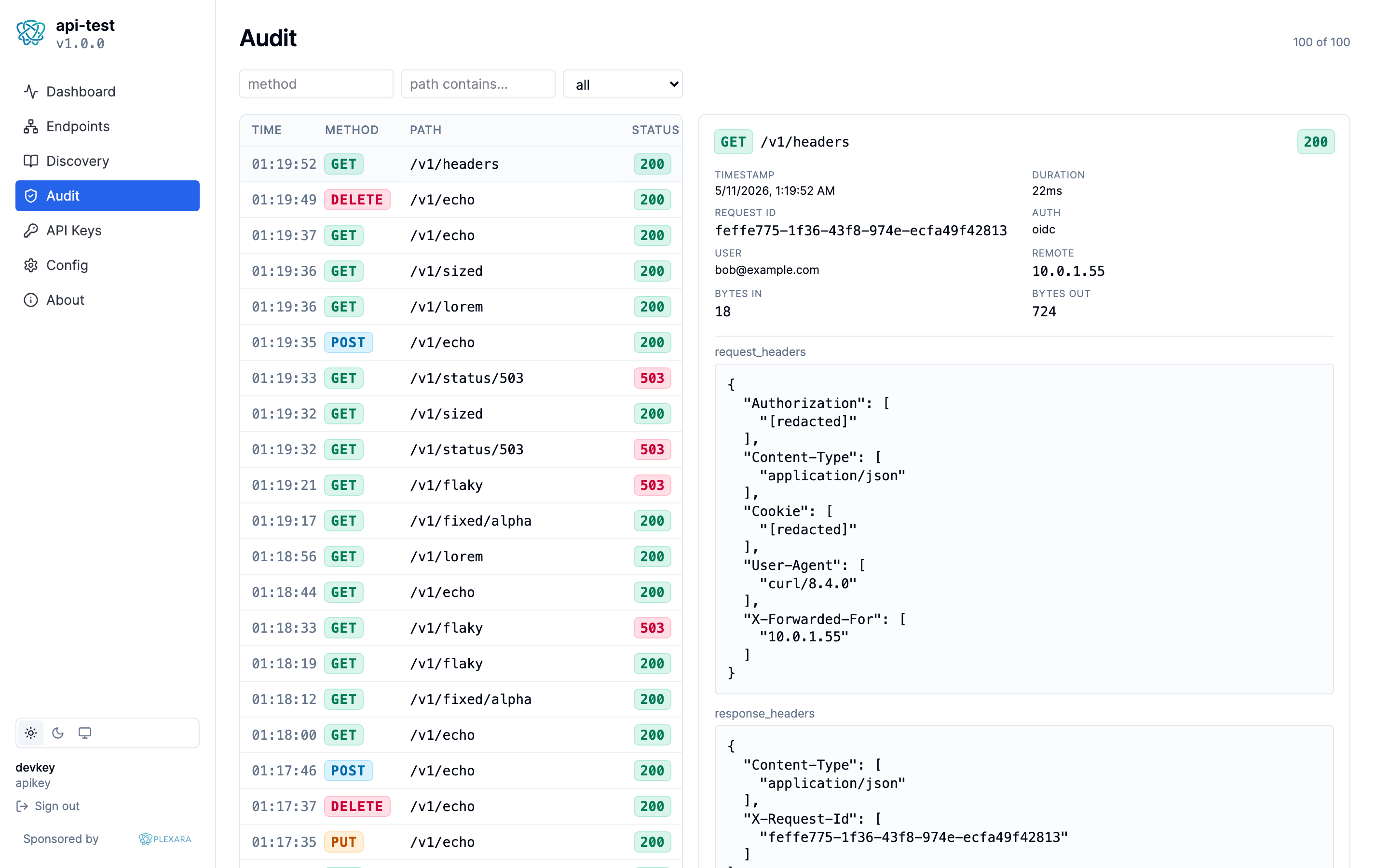
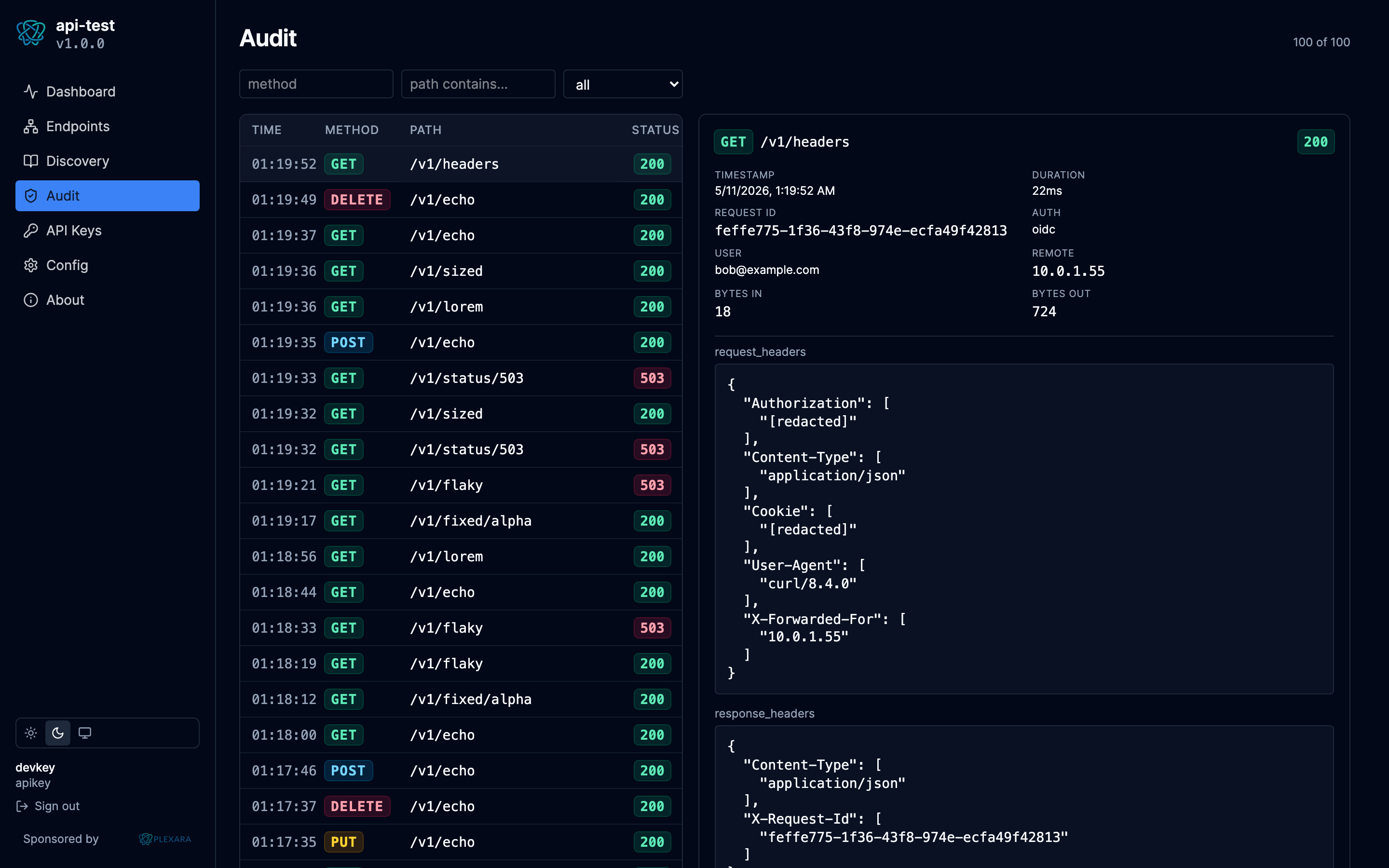
Clicking any row opens a detail panel on the right showing the timestamp,
duration, request id, identity, remote address, byte counts, plus the
full request and response trees (headers, query, body) when the
audit_payloads row is present.
API keys
Create or revoke Postgres-backed bcrypt keys. The plaintext is shown exactly once at creation time and never stored.
Config
A read-only view of the running server config, with secrets masked. Useful for sanity-checking what's actually loaded when you suspect an env-var or override didn't land.
About
Build info plus the same well-known metadata an MCP / API client sees (api endpoint, OIDC issuer URL, audience).
Try-It
Click any endpoint in the catalog to open a per-route Try-It panel:
- Form fields generated from the route's input schema (path params, query params, headers, body).
- The form POSTs to a
/api/v1/portal/tryit/{group}/{route}endpoint that proxies the call into the local mux. The result lands in the portal's audit feed exactly like an external call would, taggedsource: portal-tryit. - Errors and redactions in the response render the same way they would for a Plexara-forwarded call, so what the operator sees in the portal matches what the gateway sees over the wire.
Inspection drawer
Clicking an audit row opens a side panel:
- Overview — identity, status, route, durations.
- Request — full URL with query, headers, body. Sensitive headers
show with an "[redacted]" overlay; clicking the overlay reveals the
stored value (which is
[redacted]literally — the secret was never stored). - Response — same shape for the outbound side.
- Replay — re-issue the same request through the portal API,
preserving the original event id in the new row's
replayed_fromcolumn for traceability.
SSE live tail
The Audit page subscribes to a server-sent-events stream of newly written audit events, surfaced as a fixed-cap buffer above the historical filter view. The historical table stays still so the live read doesn't blow away your filtered context.